
01
QuickBooks Online
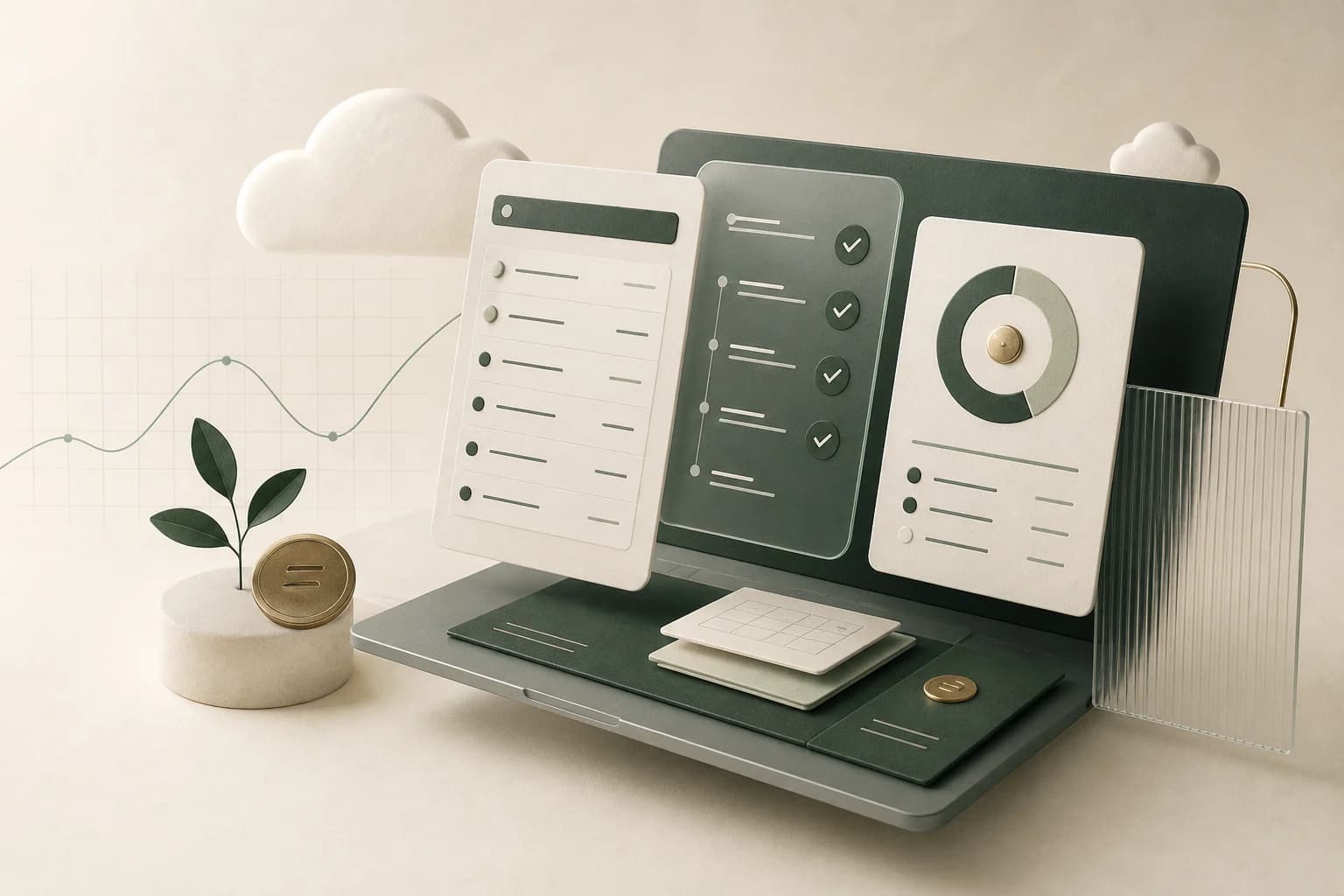
QuickBooks Online bookkeeping for small businesses: monthly reconciliation, cleanup, reporting, AP/AR support, and a clear close process.
Explore the workflowHome/Platforms
Platforms we work in
QuickBooks Online, QuickBooks Desktop, and Xero each require a different access and review process. Our bookkeeping adapts to the platform without losing the controls that make the numbers dependable.
QuickBooks Online bookkeeping for small businesses: monthly reconciliation, cleanup, reporting, AP/AR support, and a clear close process.
Explore the workflow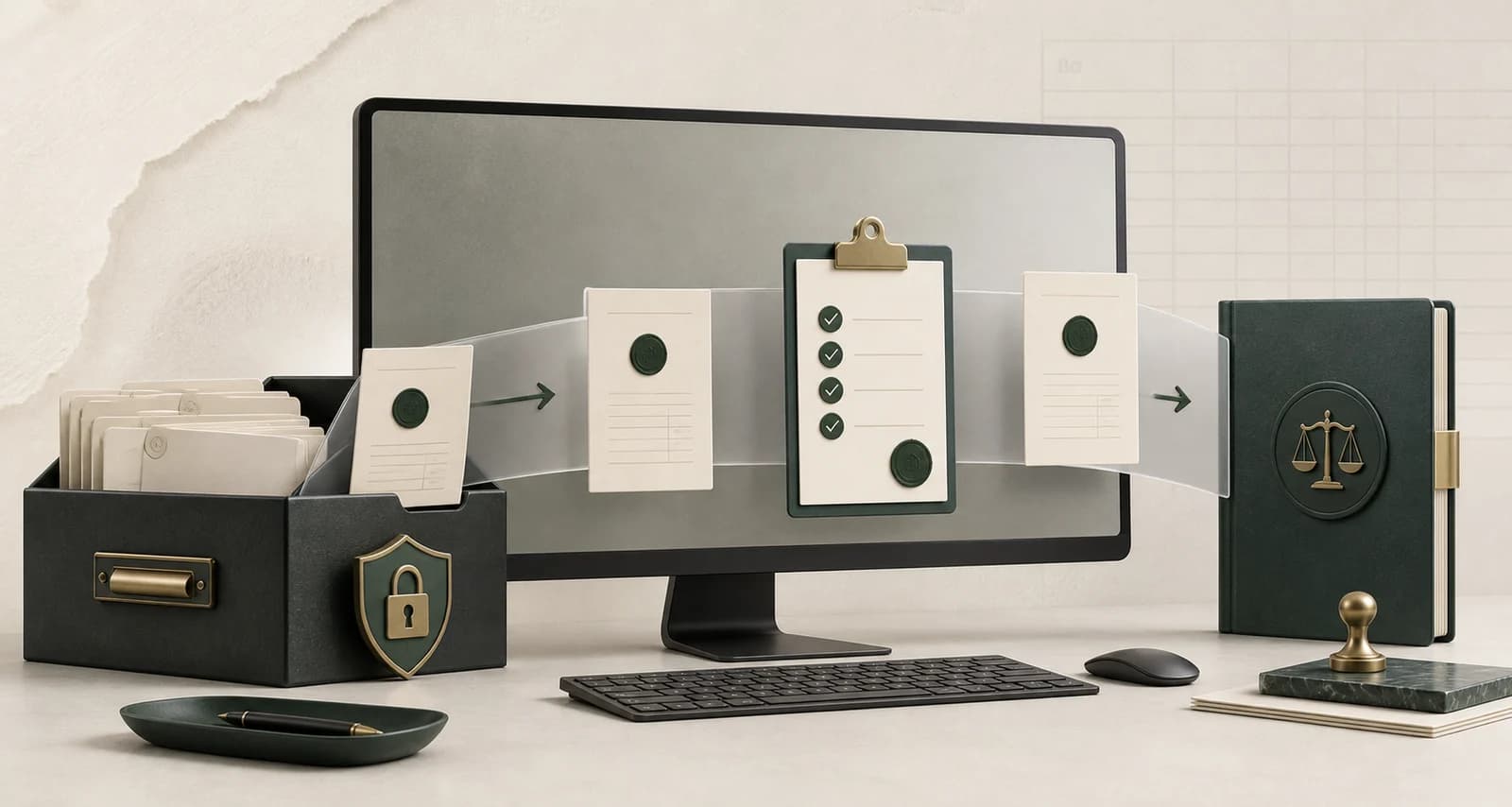
QuickBooks Desktop bookkeeping for existing Pro, Premier, Mac, and Enterprise users: reconciliation, cleanup, reporting, and controlled file workflows.
Explore the workflow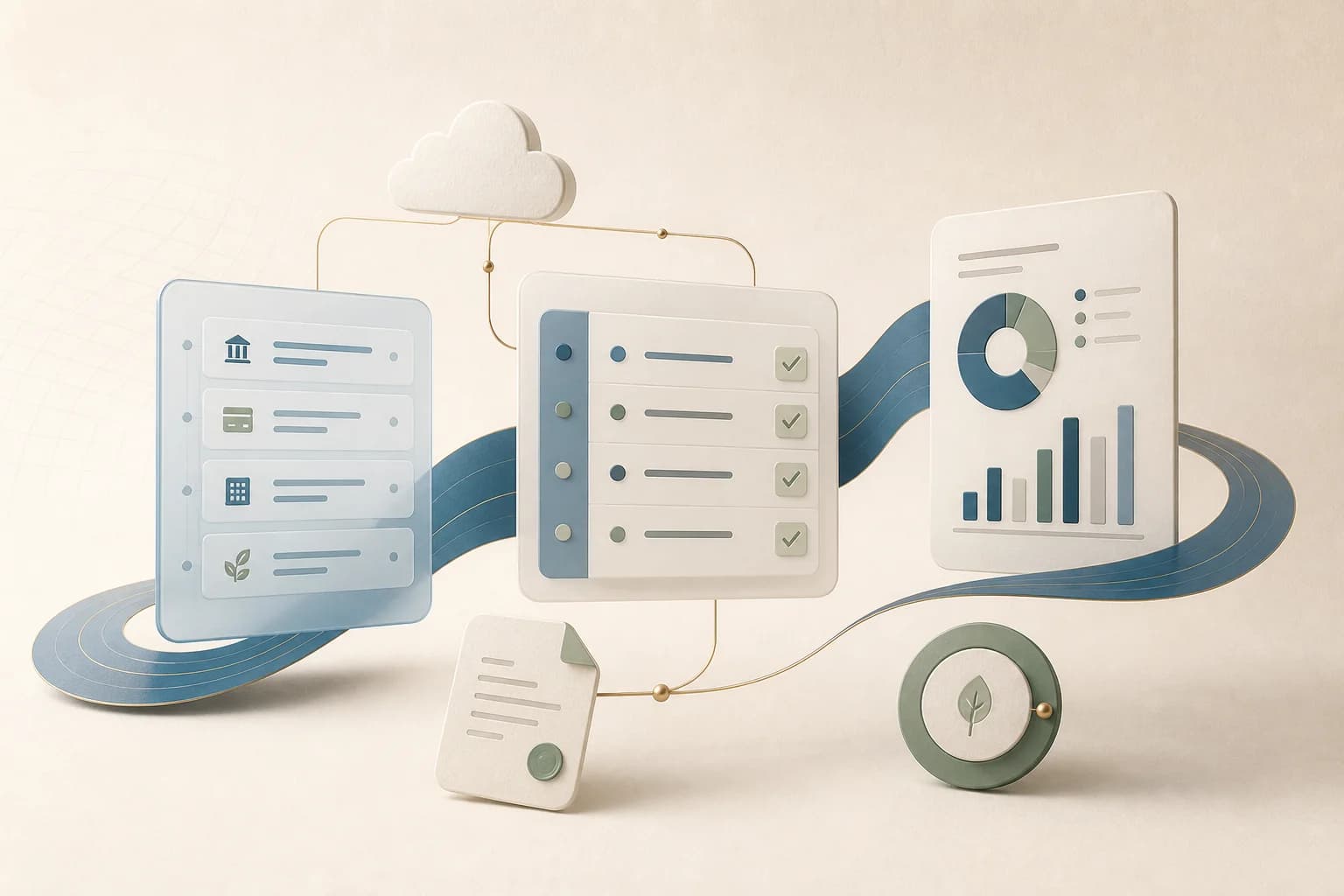
Xero bookkeeping services for small businesses: bank reconciliation, cleanup, bills, invoices, reporting, and a reliable monthly close.
Explore the workflowAt a glance
The access method changes, but the objective does not: trace transactions to source records, reconcile every material balance, document exceptions, and close the period with reports that agree to the ledger.
What the software does not replace
Feeds and suggested matches can reduce data entry, but they do not know why a payment was made, whether a deposit includes fees, or whether a balance belongs in the current period. Those decisions still need evidence, context, and review.
Statements, invoices, bills, receipts, payroll reports, and settlement records support the ledger.
Balances are compared to outside records, not assumed correct because the feed is connected.
Unusual activity and exceptions receive human review before a period is considered complete.
Open questions and missing records are surfaced clearly instead of being buried in Uncategorized.
Start with your current setup
Tell us which platform and version you use, how far behind the books are, and which reporting or operational tasks need support.